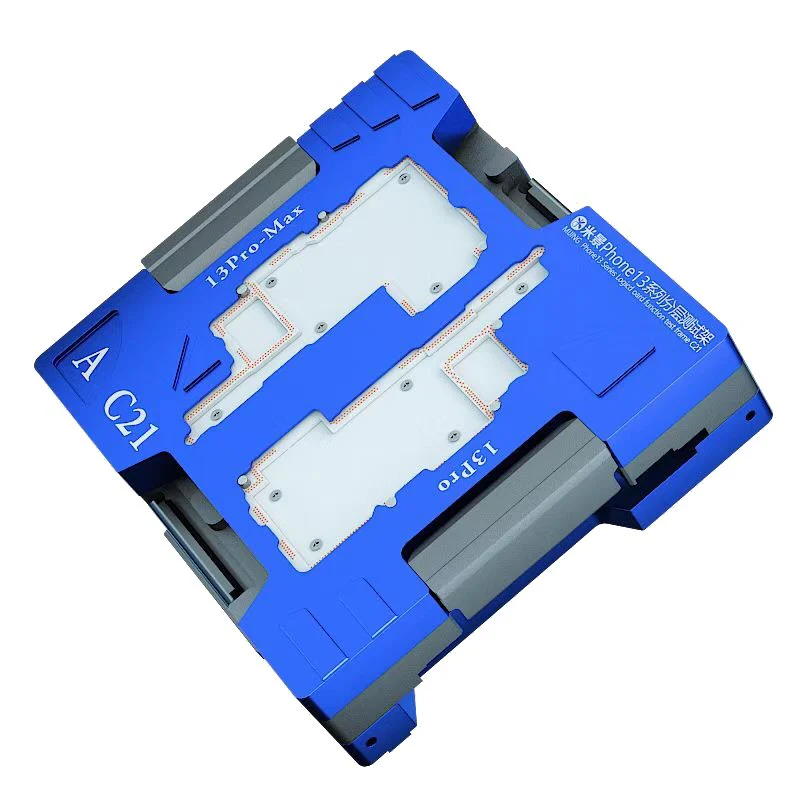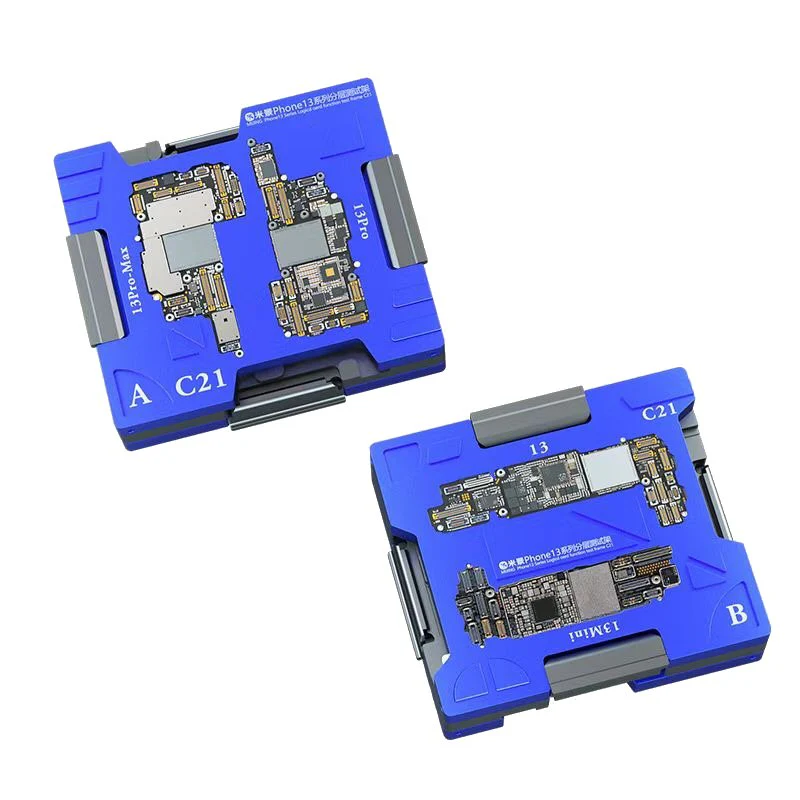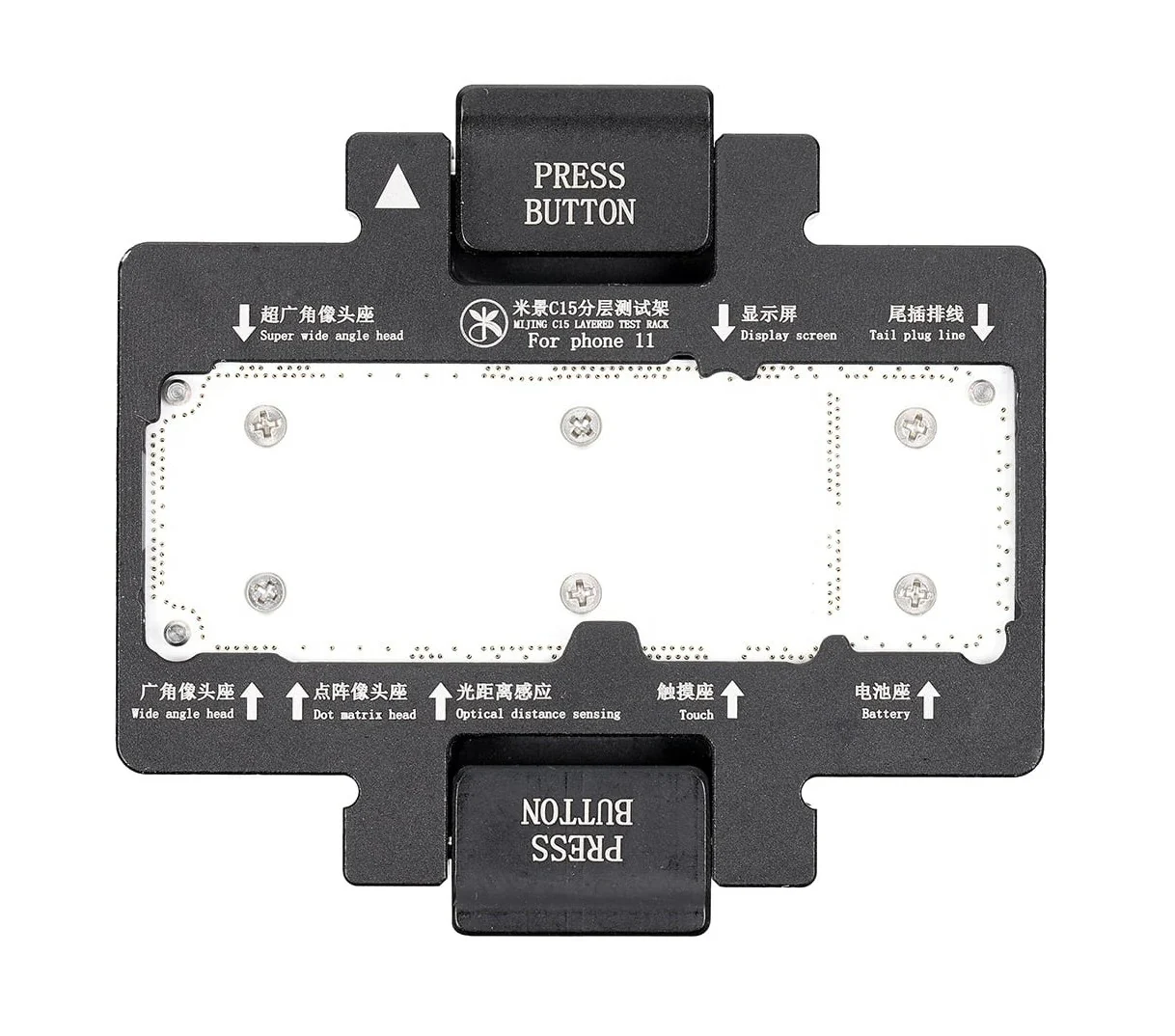

Testing Station For iPhone 11 Pro 11 Pro Max Layered Logicboard Mijing C18
EASY TO USE - Use the C18 to connect the upper and lower motherboards for testing/repair.
AVOID EXTRA WORK - Save time and avoid problems after installation, increase your work speed. use to Test layered logicboards without soldering them back together.
TEST YOUR WORK - Check in advance to avoid duplicate disassembling and breaking the motherboard.
COMPACT - Small size, easy to carry.
QUALITY BUILD - Made from toughened alloy with nylon spacers
Operational Process:
1. Prepare
Power On/Off Cable*1
Power Line*1
LCD Test Cable*1
Screen*1
Main Board*1
2. Decomposition iPhone 11/11p/11pro Middle Layer simply equipped the test fixture.
3. Install: Put in the lower main board, put on the pin board, put the top board in, and then cover the test rack.
4. The first way to connect the screen line,boot,power cord or battery test ink success or not. The second way is to connect the end plug on the base of the first method to implement the brush function.
Original: $27,739.39
-70%$27,739.39
$8,321.82Product Information
Product Information
Shipping & Returns
Shipping & Returns
Description
EASY TO USE - Use the C18 to connect the upper and lower motherboards for testing/repair.
AVOID EXTRA WORK - Save time and avoid problems after installation, increase your work speed. use to Test layered logicboards without soldering them back together.
TEST YOUR WORK - Check in advance to avoid duplicate disassembling and breaking the motherboard.
COMPACT - Small size, easy to carry.
QUALITY BUILD - Made from toughened alloy with nylon spacers
Operational Process:
1. Prepare
Power On/Off Cable*1
Power Line*1
LCD Test Cable*1
Screen*1
Main Board*1
2. Decomposition iPhone 11/11p/11pro Middle Layer simply equipped the test fixture.
3. Install: Put in the lower main board, put on the pin board, put the top board in, and then cover the test rack.
4. The first way to connect the screen line,boot,power cord or battery test ink success or not. The second way is to connect the end plug on the base of the first method to implement the brush function.