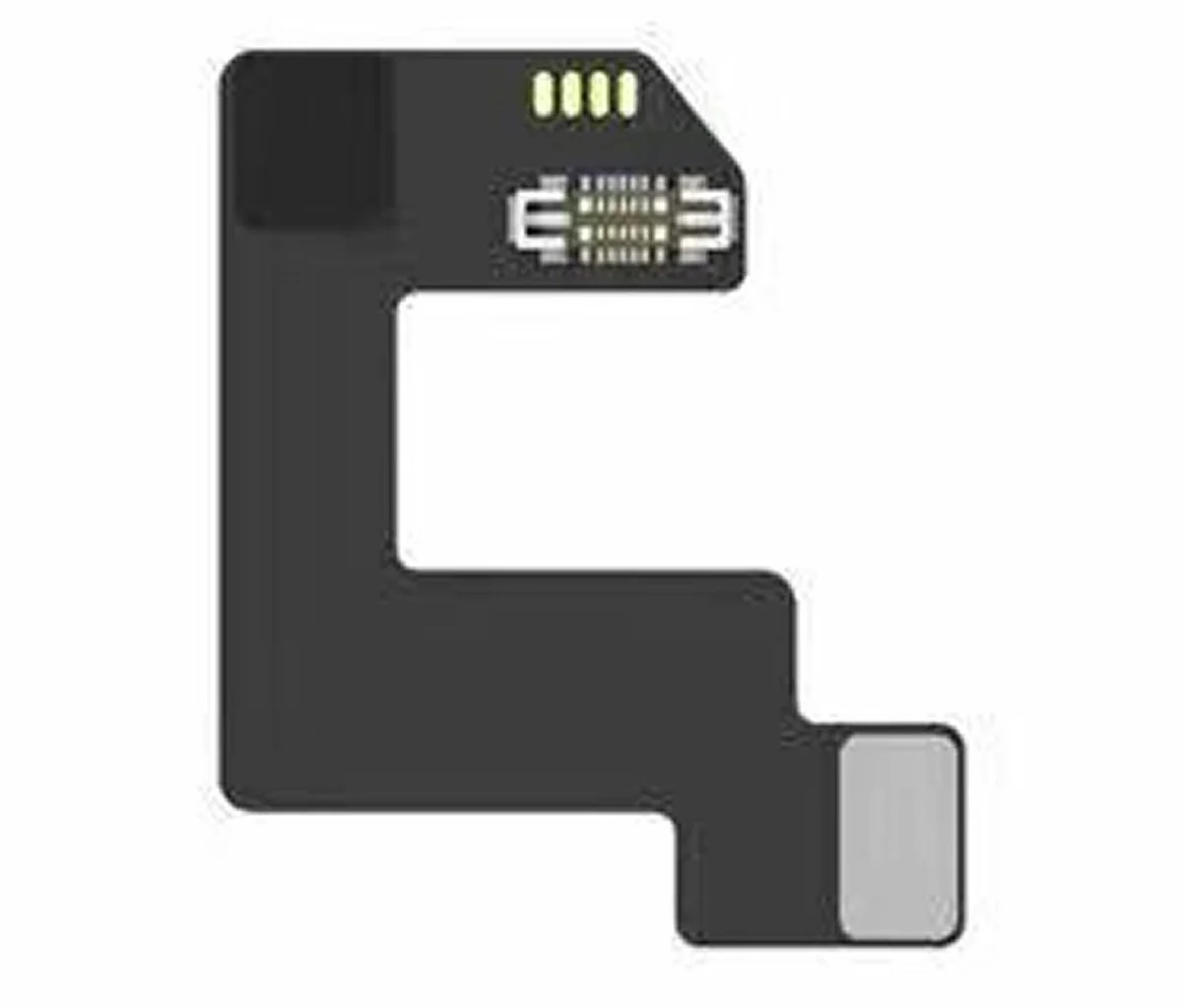

SFDER Flash Tool for Apple Watch S7 S8 S9 Ultra 1 Ultra 2 Firmware Restore
SFDER Flash Tool for Apple Watch S7, S8, S9, Ultra 1, Ultra 2
The SFDER Flash Tool is a powerful and versatile device specifically designed to restore, upgrade, and repair Apple Watch models. It supports Series 7 (S7), Series 8 (S8), Series 9 (S9), as well as Ultra 1 and Ultra 2 models. This advanced tool ensures smooth and efficient operations for maintaining and updating your Apple Watch devices.
To use the SFDER Flash Tool, a Mac computer with an Intel CPU is required. Devices using M1, M2, or M3 chips are not supported. Additionally, the macOS version must be 13 or earlier. The tool offers cutting-edge functionality to streamline the process of restoring, upgrading, and repairing your Apple Watch, including the Ultra 2. However, it’s important to note that firmware is not included with the tool.
Important Notes
The SFDER Flash Tool requires firmware to perform its functions, but the firmware for Apple Watch Series 7, Series 8, Series 9, Ultra 1, and Ultra 2 is not provided. Before purchasing, ensure you have access to the required firmware, as it is essential for restoring or updating the Apple Watch. Any free firmware you download must be used in compliance with its licensing terms.
System Requirements
To use the SFDER Flash Tool, your setup must meet specific criteria. The computer must be an Apple Mac with an Intel processor, as M1, M2, and M3 chipsets are not supported. The macOS version must be 13 or earlier, such as versions 11.1 through 12.6. Additionally, you must install the S6 driver, which is available from customer service. After installing the driver, go to the "Trust and Security" settings in macOS, and restart the system from within this menu to complete the setup; a standard restart will not work.
Additional Notes
For Apple Watch models from Series 7 onwards, entering DFU mode is required to perform firmware updates. While iTunes on Windows can also be used for firmware updates, the Apple i4 Tool is recommended for improved stability and performance.
Compatible Firmware Versions
The SFDER Flash Tool supports a variety of firmware versions. For the Apple Watch S9, firmware version 10.0.2 is supported. For Apple Watch S7, S8, Ultra 1, and Ultra 2 models, firmware version 9.63 is required.
Original: $66,333.32
-70%$66,333.32
$19,900.00Product Information
Product Information
Shipping & Returns
Shipping & Returns
Description
SFDER Flash Tool for Apple Watch S7, S8, S9, Ultra 1, Ultra 2
The SFDER Flash Tool is a powerful and versatile device specifically designed to restore, upgrade, and repair Apple Watch models. It supports Series 7 (S7), Series 8 (S8), Series 9 (S9), as well as Ultra 1 and Ultra 2 models. This advanced tool ensures smooth and efficient operations for maintaining and updating your Apple Watch devices.
To use the SFDER Flash Tool, a Mac computer with an Intel CPU is required. Devices using M1, M2, or M3 chips are not supported. Additionally, the macOS version must be 13 or earlier. The tool offers cutting-edge functionality to streamline the process of restoring, upgrading, and repairing your Apple Watch, including the Ultra 2. However, it’s important to note that firmware is not included with the tool.
Important Notes
The SFDER Flash Tool requires firmware to perform its functions, but the firmware for Apple Watch Series 7, Series 8, Series 9, Ultra 1, and Ultra 2 is not provided. Before purchasing, ensure you have access to the required firmware, as it is essential for restoring or updating the Apple Watch. Any free firmware you download must be used in compliance with its licensing terms.
System Requirements
To use the SFDER Flash Tool, your setup must meet specific criteria. The computer must be an Apple Mac with an Intel processor, as M1, M2, and M3 chipsets are not supported. The macOS version must be 13 or earlier, such as versions 11.1 through 12.6. Additionally, you must install the S6 driver, which is available from customer service. After installing the driver, go to the "Trust and Security" settings in macOS, and restart the system from within this menu to complete the setup; a standard restart will not work.
Additional Notes
For Apple Watch models from Series 7 onwards, entering DFU mode is required to perform firmware updates. While iTunes on Windows can also be used for firmware updates, the Apple i4 Tool is recommended for improved stability and performance.
Compatible Firmware Versions
The SFDER Flash Tool supports a variety of firmware versions. For the Apple Watch S9, firmware version 10.0.2 is supported. For Apple Watch S7, S8, Ultra 1, and Ultra 2 models, firmware version 9.63 is required.