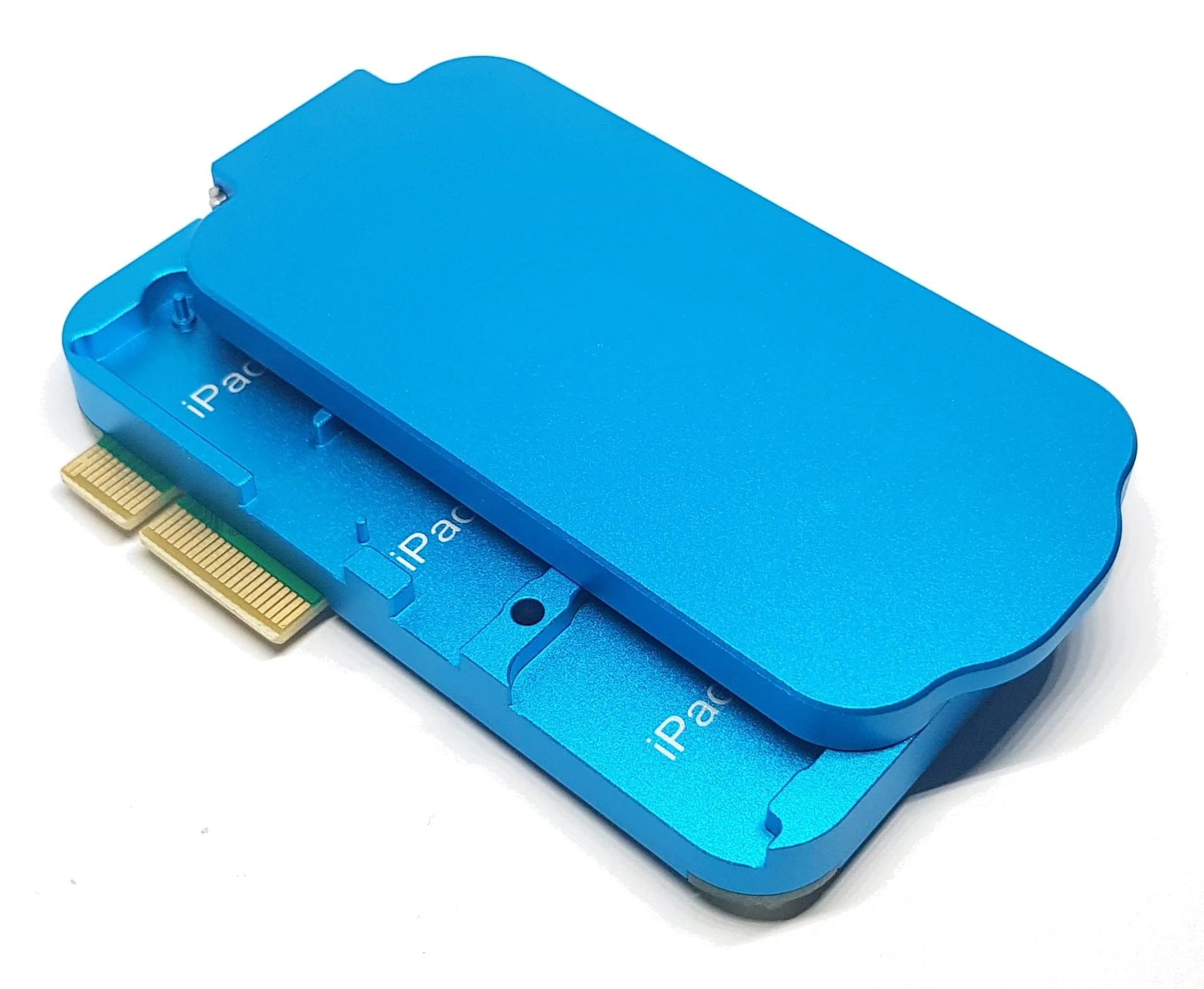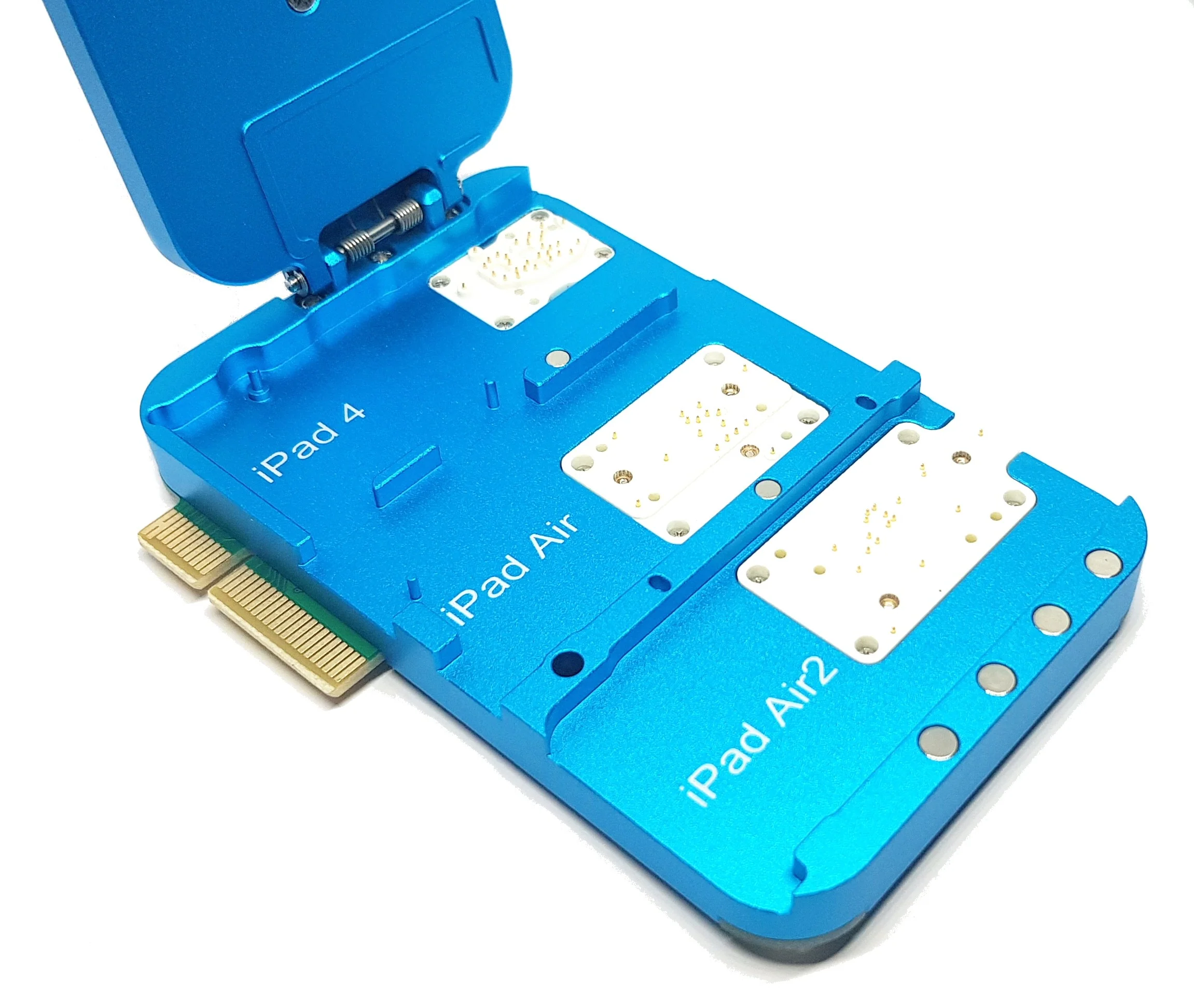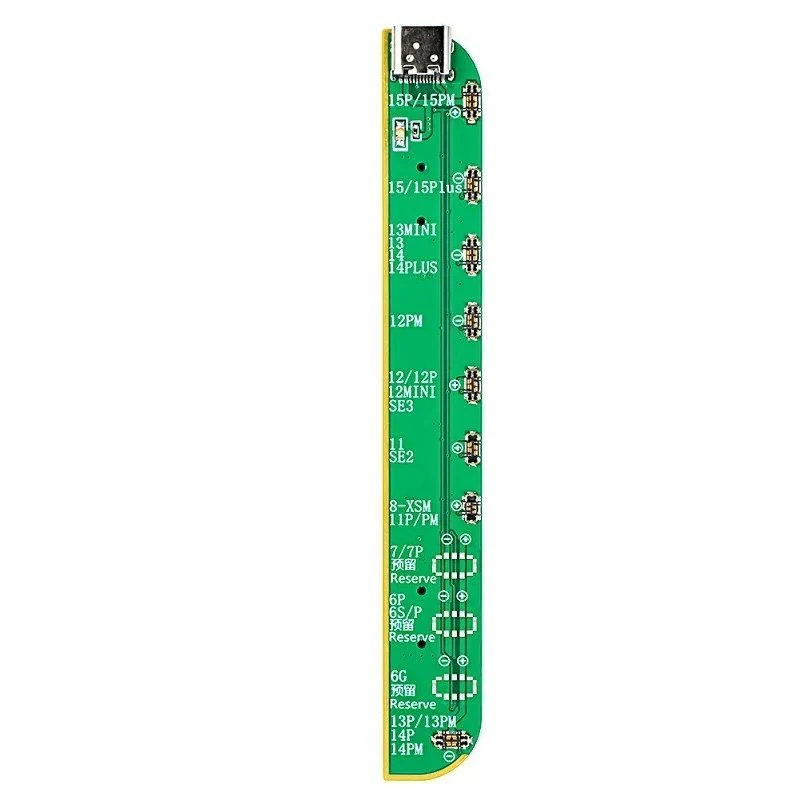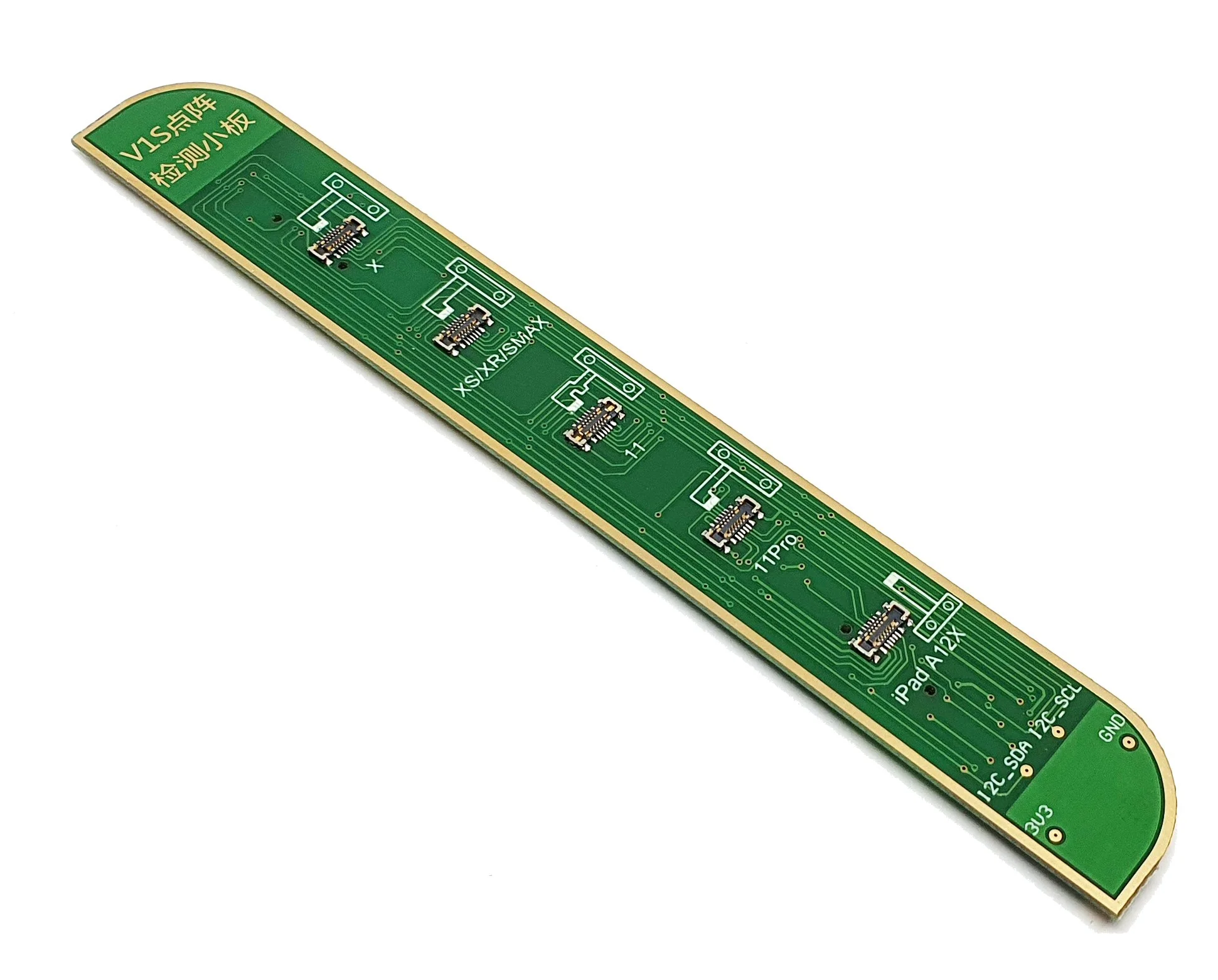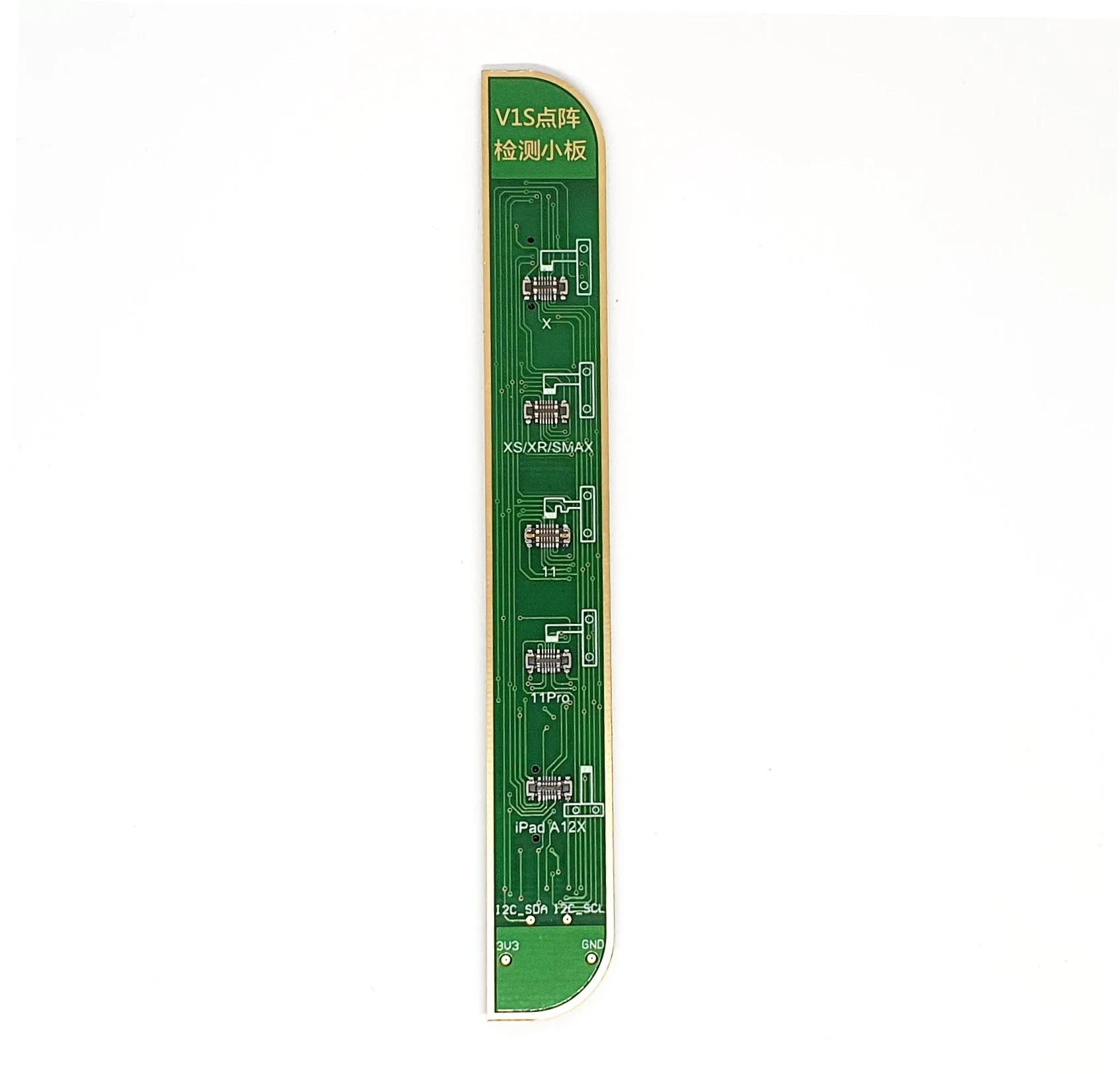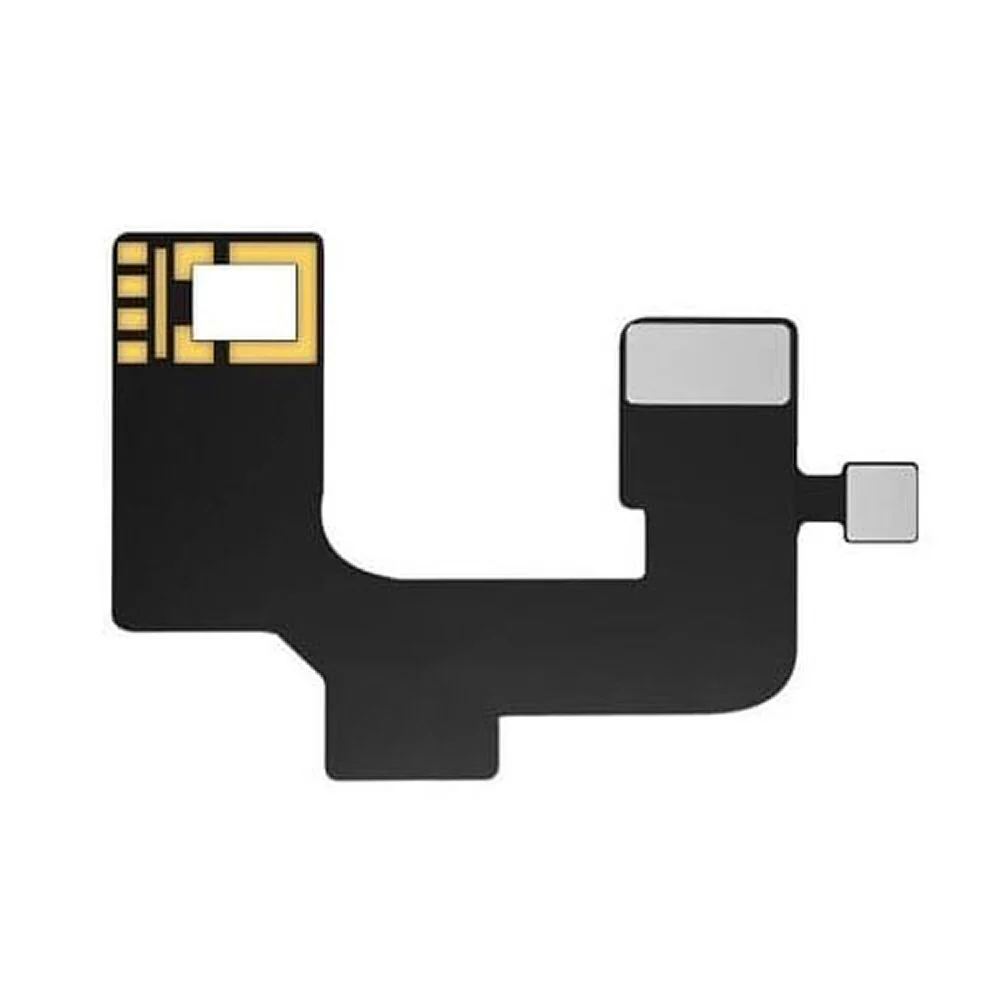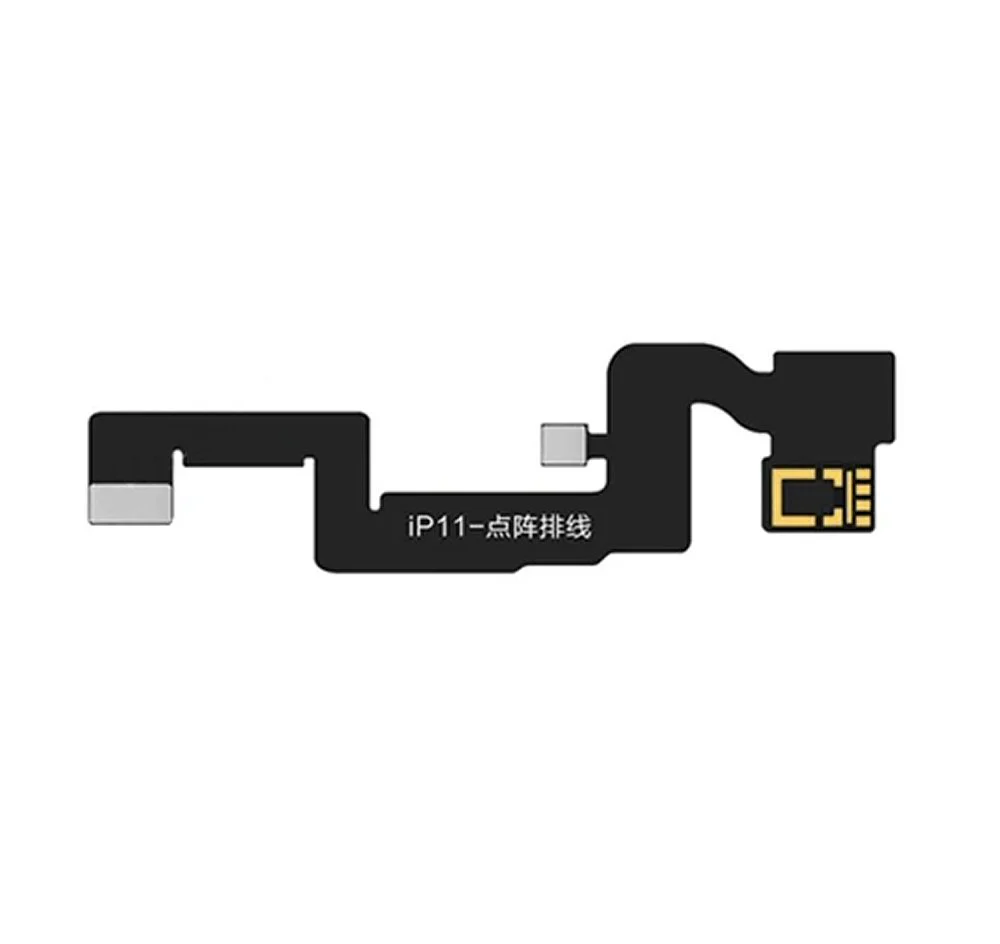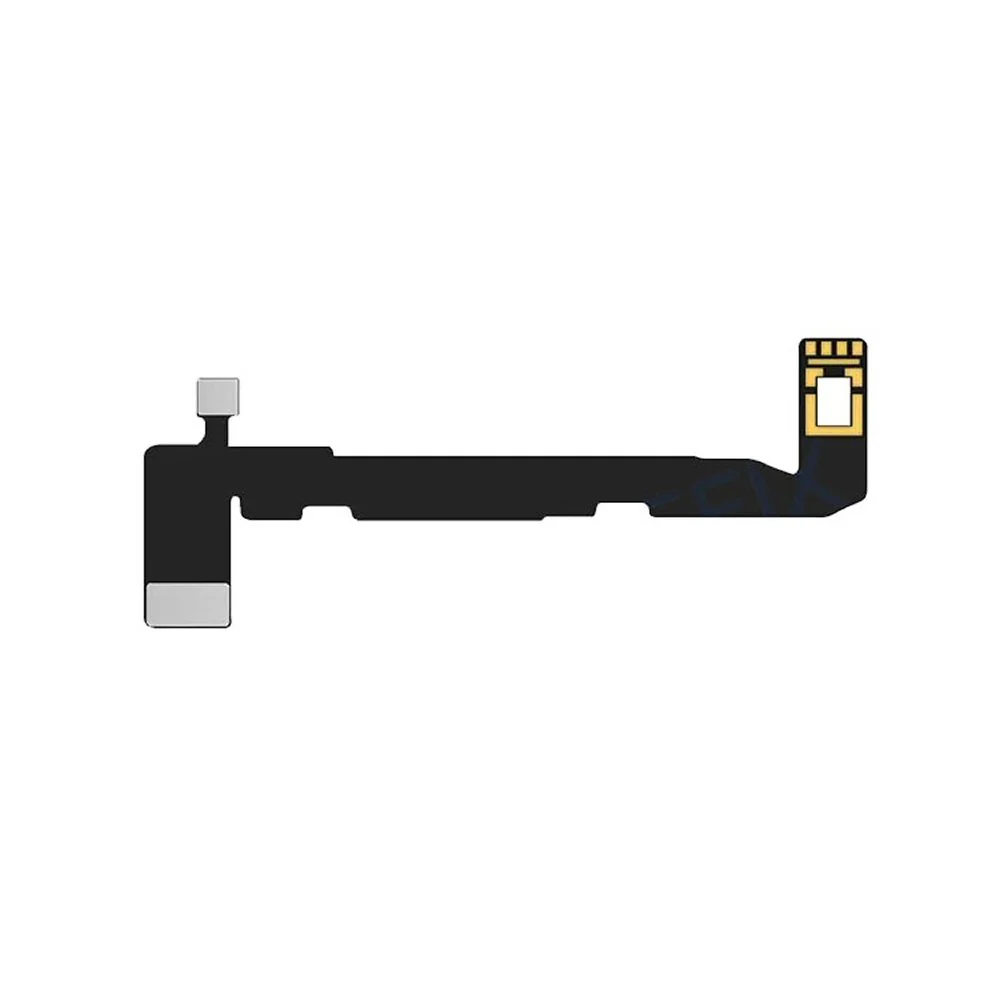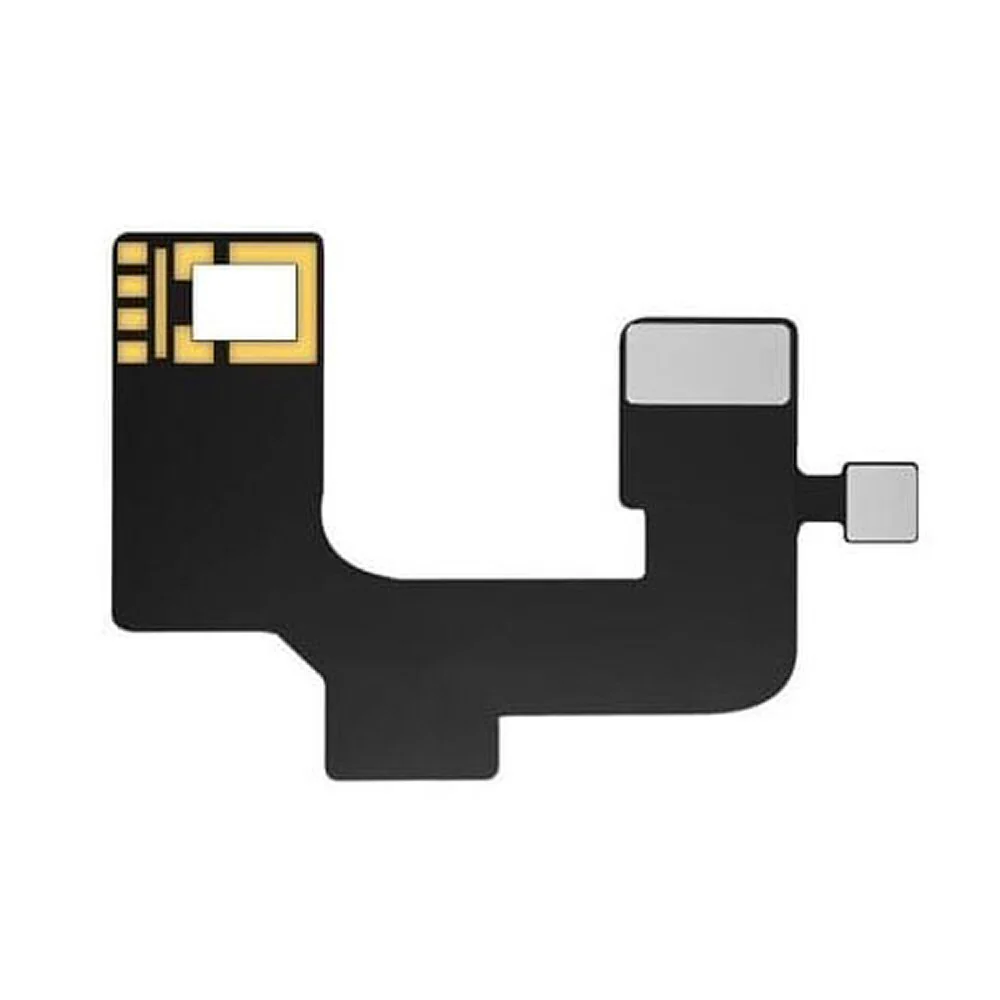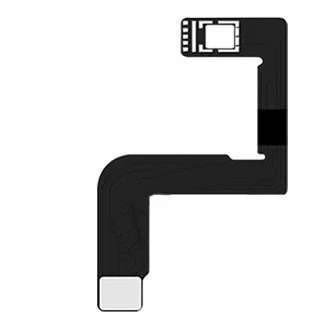
JC ID Addon PCB for iPad Screen Repair Adaptor
The JC ID iPad Screen Repair Adaptor is specifically designed to address common post-repair issues such as screen code mismatches and Apple Pencil performance problems, including the inability to draw diagonal straight lines (often caused by unmatched screen data). Here's how it solves these problems:
Solves Screen Code Mismatch - After screen replacement, some iPads may suffer from mismatched screen codes, leading to issues like:
Touch delays
Unresponsive gestures
Reduced display performance
Fixes Apple Pencil Diagonal Line Issue - A common issue after screen replacement is the "jittery diagonal line" problem with the Apple Pencil. This happens when:
The replacement screen's touch IC isn't properly matched
The screen code doesn’t align with the logic board
Using the JC ID adaptor, you can properly bind and calibrate the screen, eliminating jitter or broken lines when drawing diagonally—restoring smooth, accurate Pencil input.
Adaptor iPad models:
for Apple iPad Air 4 (2020)
for Apple iPad Air 5 (2022)
for Apple iPad Mini 6 (2021)
for Apple iPad Pro 11 (2018)
for Apple iPad Pro 11 (2020)
for Apple iPad Pro 11 (2022)
for Apple iPad Pro 11.0 (2021)
for Apple iPad Pro 12.9 (2018)
for Apple iPad Pro 12.9 (2020)
JC ID Devices:
Supported: V1S Pro, V1SE
Not Supported: V1S
Whether you're a repair shop or a skilled DIYer, this adaptor is essential for solving touch and Pencil accuracy problems after screen replacement.
Package Content:
1 x JC ID iPad Screen Repair Adaptor
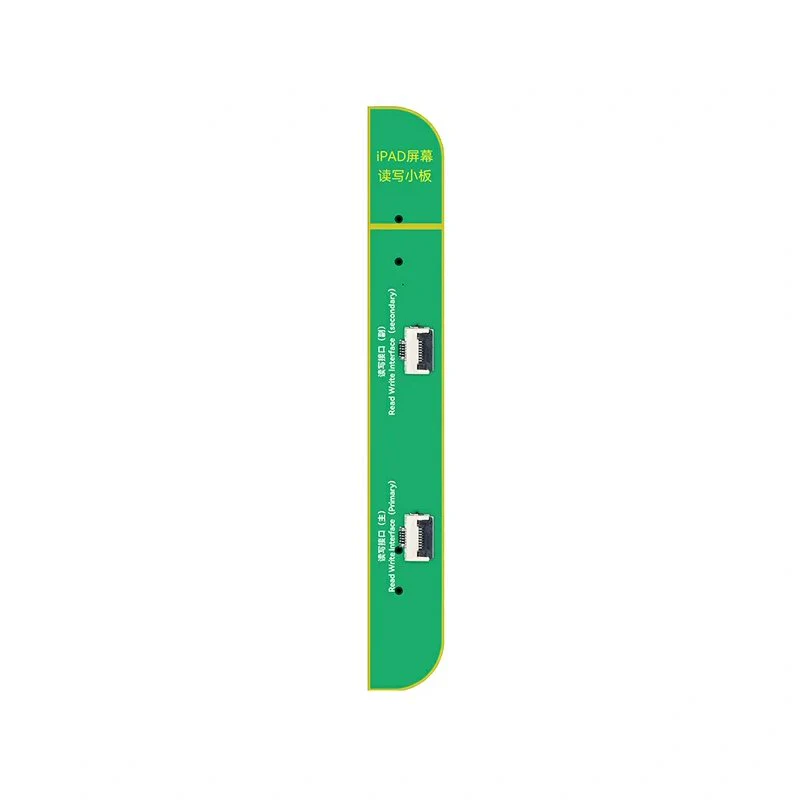
1 x iPad Pro 3 11inch Screen Read And Write PCB
1 x iPad Air 3 10.5inch Screen Read And Write PCB
1 x iPad Mini 6 8.3inch Screen Read And Write PCB
1 x iPad Air 4 10.9inch Screen Read And Write PCB
1 x 8 PIN 18cm Connection Flex
Product Information
Product Information
Shipping & Returns
Shipping & Returns
Description
The JC ID iPad Screen Repair Adaptor is specifically designed to address common post-repair issues such as screen code mismatches and Apple Pencil performance problems, including the inability to draw diagonal straight lines (often caused by unmatched screen data). Here's how it solves these problems:
Solves Screen Code Mismatch - After screen replacement, some iPads may suffer from mismatched screen codes, leading to issues like:
Touch delays
Unresponsive gestures
Reduced display performance
Fixes Apple Pencil Diagonal Line Issue - A common issue after screen replacement is the "jittery diagonal line" problem with the Apple Pencil. This happens when:
The replacement screen's touch IC isn't properly matched
The screen code doesn’t align with the logic board
Using the JC ID adaptor, you can properly bind and calibrate the screen, eliminating jitter or broken lines when drawing diagonally—restoring smooth, accurate Pencil input.
Adaptor iPad models:
for Apple iPad Air 4 (2020)
for Apple iPad Air 5 (2022)
for Apple iPad Mini 6 (2021)
for Apple iPad Pro 11 (2018)
for Apple iPad Pro 11 (2020)
for Apple iPad Pro 11 (2022)
for Apple iPad Pro 11.0 (2021)
for Apple iPad Pro 12.9 (2018)
for Apple iPad Pro 12.9 (2020)
JC ID Devices:
Supported: V1S Pro, V1SE
Not Supported: V1S
Whether you're a repair shop or a skilled DIYer, this adaptor is essential for solving touch and Pencil accuracy problems after screen replacement.
Package Content:
1 x JC ID iPad Screen Repair Adaptor
1 x iPad Pro 3 11inch Screen Read And Write PCB
1 x iPad Air 3 10.5inch Screen Read And Write PCB
1 x iPad Mini 6 8.3inch Screen Read And Write PCB
1 x iPad Air 4 10.9inch Screen Read And Write PCB
1 x 8 PIN 18cm Connection Flex