
iWatch Flash Tool for Apple Watch S7 S8 S9 Ultra Ultra 2 Firmware Restore
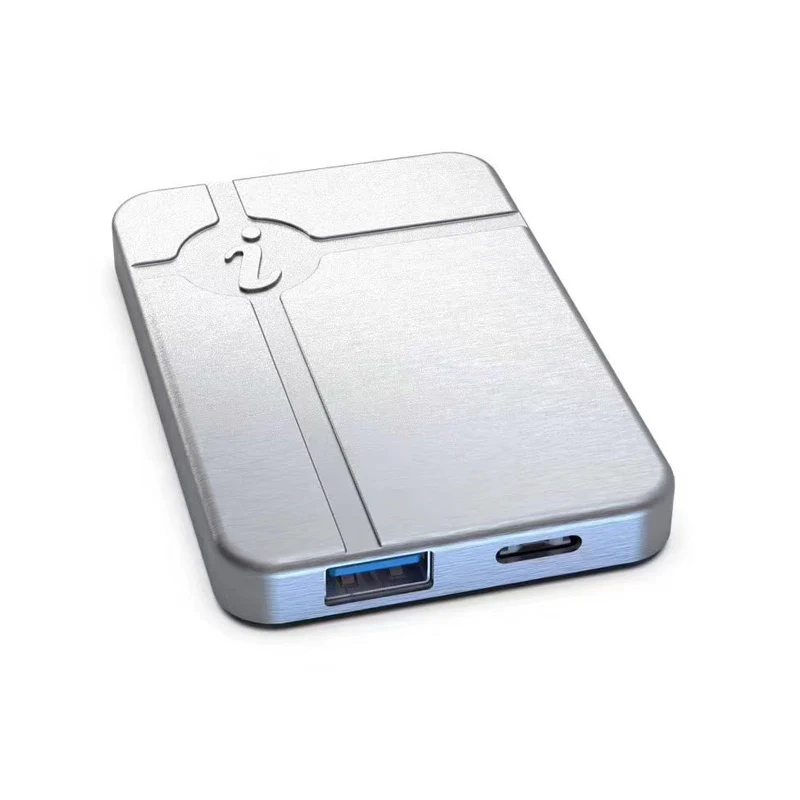
iWatch Restore Tool for Apple Watch S7/S8/S9/Ultra1/Ultra2
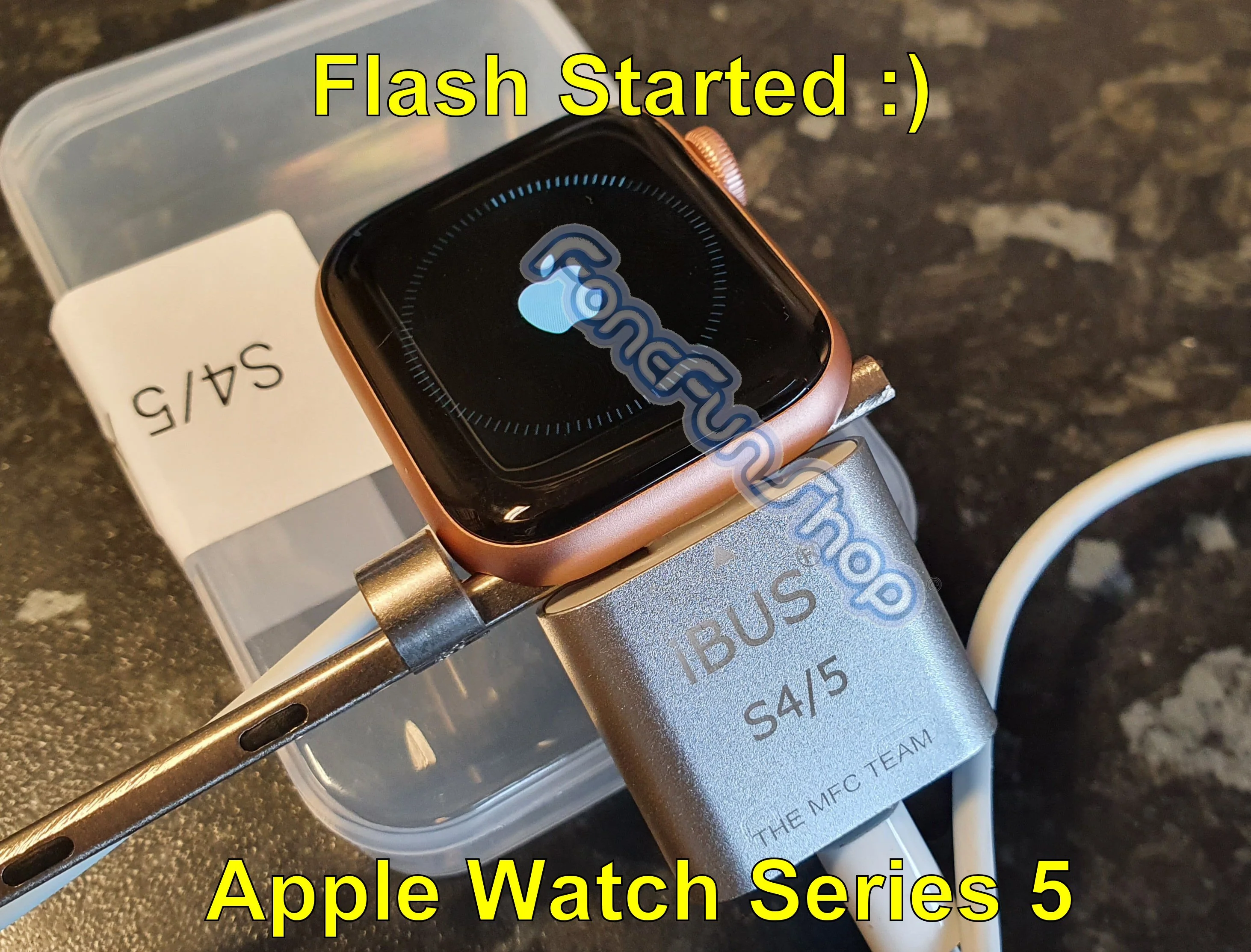
The iWatch Restore Tool is specifically designed to restore, upgrade, and repair Apple Watch.
Models supported are Series 7 (S7), Series 8 (S8), Series 9 (S9), and the Ultra 1 & Ultra 2.
Device Requirements: A Mac computer with an Intel CPU is required. M1, M2, or M3 chip Macs are not supported. The macOS version must be 13 or earlier.
It is a cutting-edge device that enables effortless restoration, upgrading, and repair of Apple Watch models, including the Ultra 2.
Firmware is not included.
Important Notes
Firmware Requirement:
Firmware Not Provided: Firmware for Apple Watch Series 7, Series 8, Series 9, Ultra, and Ultra 2 is not included. Ensure you have the necessary firmware before purchasing this tool, as it is required for restoring or updating your Apple Watch.
Free Firmware (If Available): Any free firmware you download must be used in compliance with its licensing terms.
System Requirements for Flashing Apple Watch Models (S7/S8/S9/Ultra)
Apple Mac Computer with Intel CPU: The computer used must be an Apple device with an Intel processor. M1, M2, and M3 chipsets are not supported.
macOS Version: The macOS version must be 13 or earlier (e.g., 11.1 to 12.6).
S6 Driver Installation:
Install the S6 driver (available from customer service).
After installation, go to System Settings > Trust and Security and restart from there (a standard restart will not work).
Additional Notes
DFU Mode Required: For most watches from the Apple Watch S7 series onwards, entering DFU mode is necessary to perform firmware updates.
Recommended Tools: While firmware updates can be performed using iTunes on Windows, the Apple i4 Tool is recommended for better stability.
Compatible Firmware Versions
Apple Watch S9: Firmware version 10.0.2
Apple Watch S7, S8, Ultra 1, Ultra 2: Firmware version 9.63
Original: $66,333.32
-70%$66,333.32
$19,900.00Product Information
Product Information
Shipping & Returns
Shipping & Returns
Description
iWatch Restore Tool for Apple Watch S7/S8/S9/Ultra1/Ultra2
The iWatch Restore Tool is specifically designed to restore, upgrade, and repair Apple Watch.
Models supported are Series 7 (S7), Series 8 (S8), Series 9 (S9), and the Ultra 1 & Ultra 2.
Device Requirements: A Mac computer with an Intel CPU is required. M1, M2, or M3 chip Macs are not supported. The macOS version must be 13 or earlier.
It is a cutting-edge device that enables effortless restoration, upgrading, and repair of Apple Watch models, including the Ultra 2.
Firmware is not included.
Important Notes
Firmware Requirement:
Firmware Not Provided: Firmware for Apple Watch Series 7, Series 8, Series 9, Ultra, and Ultra 2 is not included. Ensure you have the necessary firmware before purchasing this tool, as it is required for restoring or updating your Apple Watch.
Free Firmware (If Available): Any free firmware you download must be used in compliance with its licensing terms.
System Requirements for Flashing Apple Watch Models (S7/S8/S9/Ultra)
Apple Mac Computer with Intel CPU: The computer used must be an Apple device with an Intel processor. M1, M2, and M3 chipsets are not supported.
macOS Version: The macOS version must be 13 or earlier (e.g., 11.1 to 12.6).
S6 Driver Installation:
Install the S6 driver (available from customer service).
After installation, go to System Settings > Trust and Security and restart from there (a standard restart will not work).
Additional Notes
DFU Mode Required: For most watches from the Apple Watch S7 series onwards, entering DFU mode is necessary to perform firmware updates.
Recommended Tools: While firmware updates can be performed using iTunes on Windows, the Apple i4 Tool is recommended for better stability.
Compatible Firmware Versions
Apple Watch S9: Firmware version 10.0.2
Apple Watch S7, S8, Ultra 1, Ultra 2: Firmware version 9.63